Make people hit play on your podcast
Describe your show — the topic, the hosts, the vibe — and Yoh turns it into a cinematic video trailer with voiceover and music, ready for YouTube, Reels, and your launch post.
- No editing needed
- Vertical or widescreen
- Ready in minutes
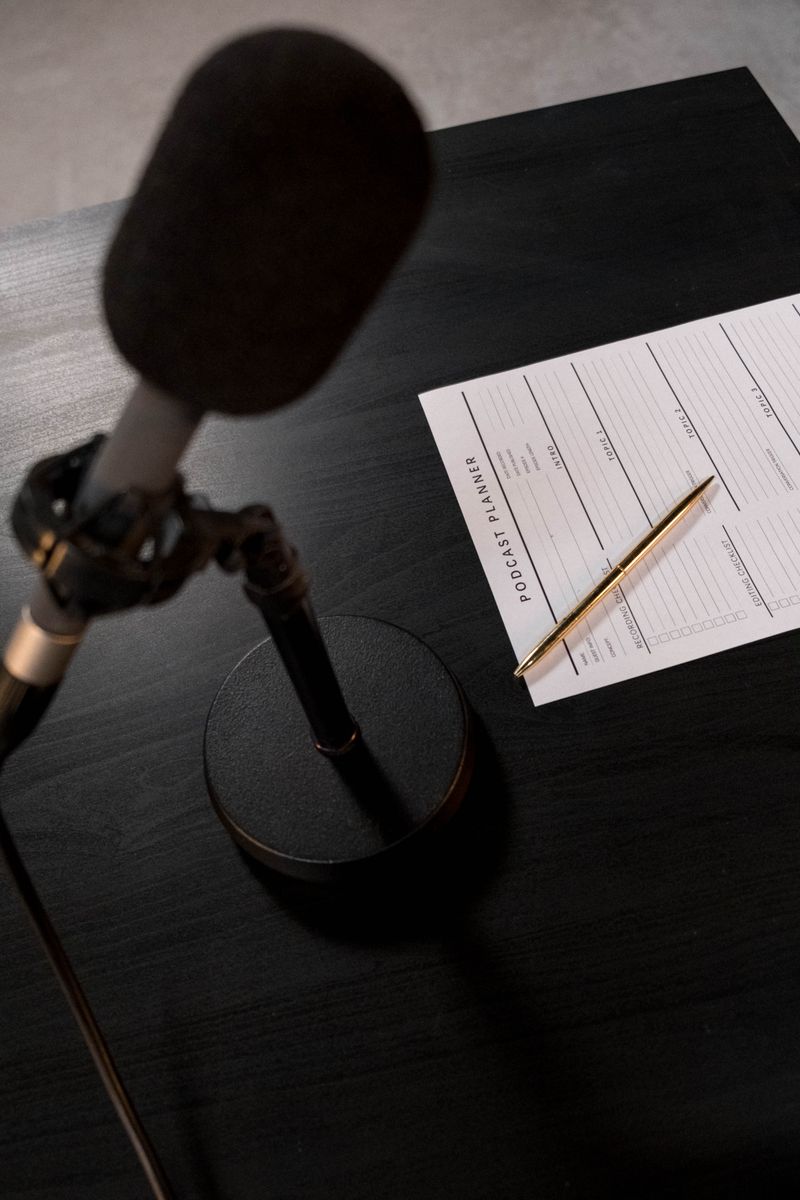
The Long Way Home
A new podcast · Coming soon
Audio shows need video too
Most people discover podcasts while scrolling. A video trailer gives your show something to stop the scroll.
A hook in the first seconds
Yoh writes the trailer like a movie teaser: open on a question or a moment, tease what the show is about, end on when and where to listen.
Visuals for an audio show
No footage of you at a mic needed. Yoh generates cinematic scenes that capture your show's world — true crime, business, comedy, or anything else.
Launch, season, or episode
Make a coming-soon trailer before launch, a new-season teaser, or a promo for a single standout episode.
From show idea to trailer
Three steps. No editing. Just your show, pitched well.
Describe your show
Share the name, the premise, who it's for, and the tone. Add the launch date or a key episode if you want them in the trailer.
Yoh creates the trailer
AI writes the script, generates each scene, records the voiceover, and scores it with music that matches the show.
Refine and post
Adjust any scene in plain words, add your cover art or logo as a reference, then post it or share the link.
A trailer that sells the show
Four quick beats, from hook to subscribe.
The Long Way Home
Podcast trailer · 4 scenesScene 1 — The hook
Scene 2 — What the show is about
Scene 3 — Why you'll love it
Scene 4 — Listen now
Made for podcasters
Details that turn a scroll into a subscribe.
Every format for your rollout
9:16 for Reels, Shorts, and TikTok, 16:9 for YouTube, 1:1 for square feeds — pick the shape when you start.
Captions for muted autoplay
Add captions in the editor so the pitch lands even when the feed plays on silent.
Your own audio, if you want it
Prefer a clip of the real hosts? Add your own audio in the editor and let Yoh's scenes carry the visuals.
On-brand look
Choose a visual style and upload your cover art or logo as a reference so the trailer feels like your show.
“Trailer for a new weekly podcast about small-town true crime, hosted by two sisters. Moody and atmospheric, ending with 'New episodes every Tuesday.'”
Example starting prompt
A few lines like this are enough to begin
Podcast trailer questions
How long should a podcast trailer be?
Short trailers tend to work best on social — roughly 30 to 60 seconds. Tell Yoh the length you're aiming for, then trim or tighten any scene in plain words.
Can I use clips of my real episode audio?
Yes. Yoh generates the visuals and an AI voiceover by default, but you can add your own audio in the editor — a host intro or a standout quote — and build the trailer around it.
Do I need video footage of the hosts?
No. Every scene is generated from your description, which is ideal for audio-only shows. You can upload a host photo as a character reference if you want them to appear.
Where can I post it?
Anywhere video plays: YouTube, Instagram Reels, TikTok, X, LinkedIn, or your website. Export the file or share it with one link.
Give your show a trailer
Turn your podcast pitch into a cinematic video trailer — in minutes, no editing required.